


User management
Bring every teammate onto one system
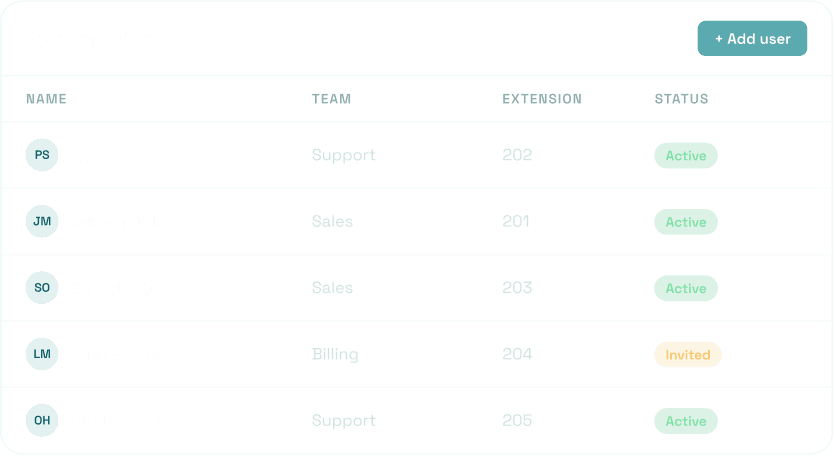
Add users, give each one an extension, and group them into teams so calls reach the right people.
Learn More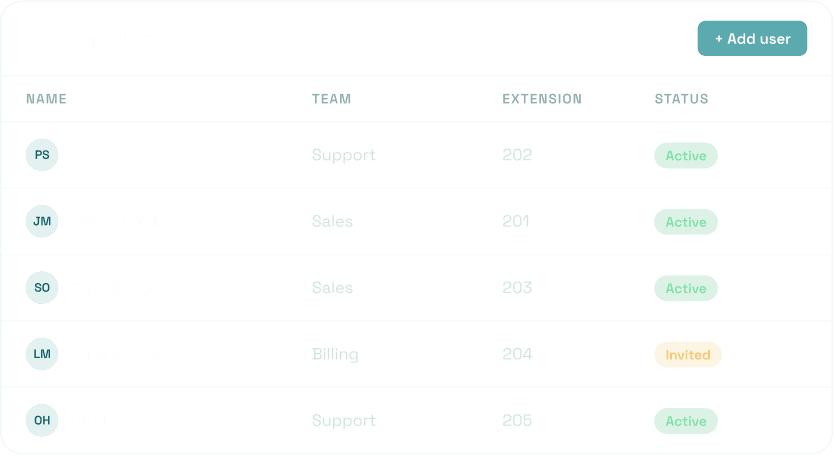

A calling setup your team can run from the browser, handling inbound, outbound, routing, and call records for everyone from a 3-person team to a 5,000-agent operation.
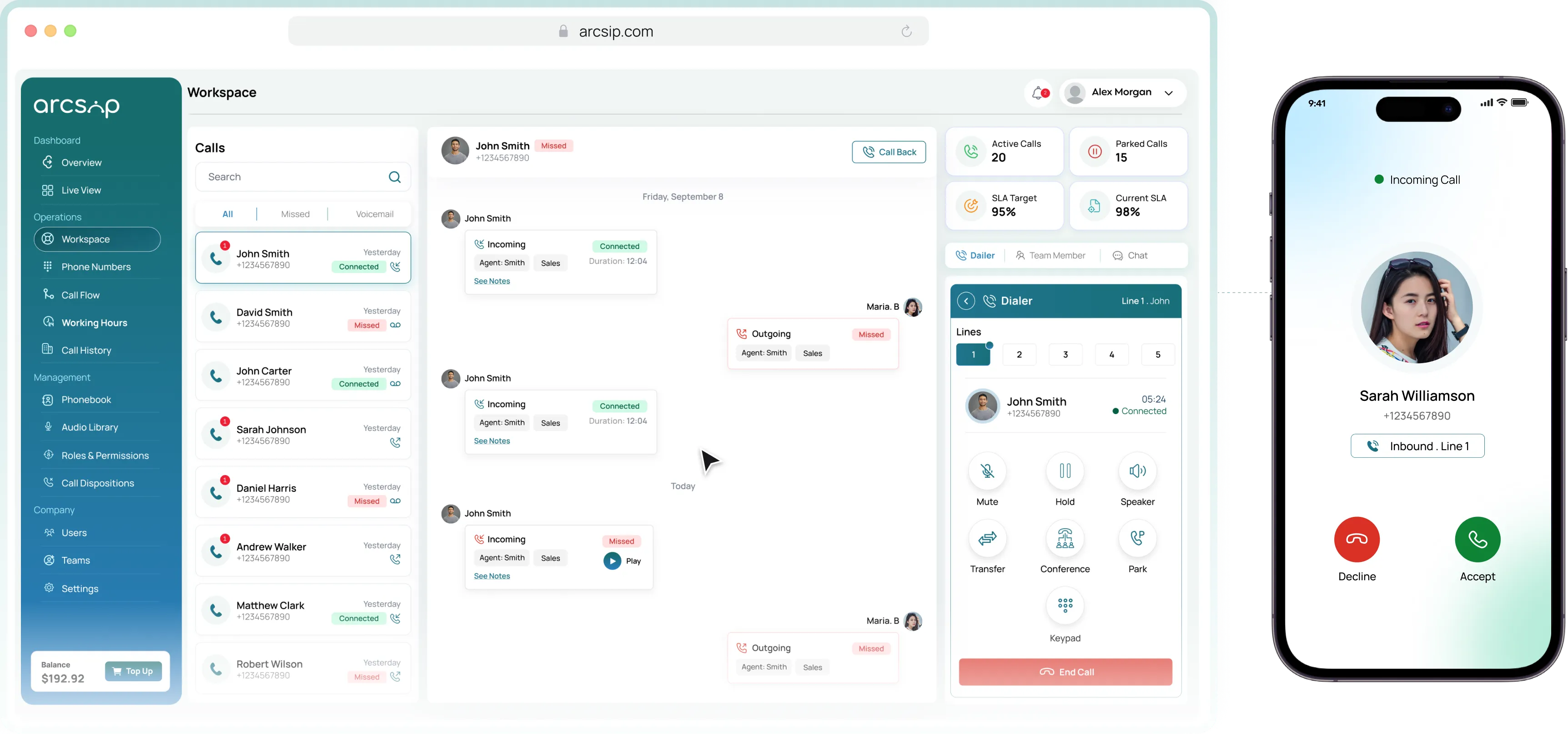
Inbound, outbound, routing, and records for every team, in one place. arcsip handles how calls come in, who they reach, and what happens after, without hardware or an IT project to set it up.

Five lines per user, so a second call never hits voicemail.

Send each caller to the right person or team before anyone picks

Dialer, history, notes, and chat on one screen.

Record the lines that matter, with a caller notice where it is required.
See the common challenges teams face and how Business Phone System helps simplify every conversation.
Without Arcsip
Calls, chat, and team messaging sit in separate tools nobody keeps in sync.
Adding a user or a new line means a ticket, a wait, and often a cost.
Agents hunt across tabs for history while the caller waits on the line.
A call drops to voicemail because the one person on that line was busy.
Supervisors find out about a missed call or a long wait the next day.
With Arcsip
Calls, routing, records, and team chat live in one browser workspace.
Add a user, buy a number, or change routing yourself in minutes.
Caller history sits on the same screen as the call, ready before hello.
Five lines per user keep a second caller off voicemail.
See how your team manages incoming calls, customer conversations, and follow-ups through one connected calling workspace.
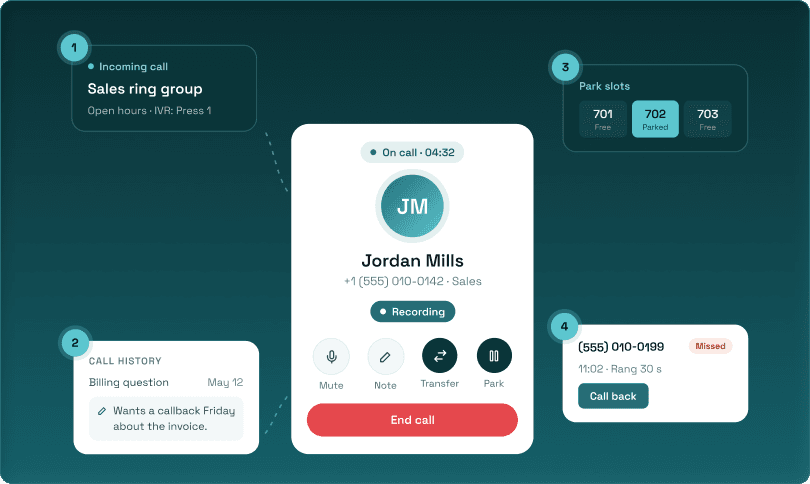
Explore the essential tools that help your team manage calls, connect with customers, and improve everyday communication.
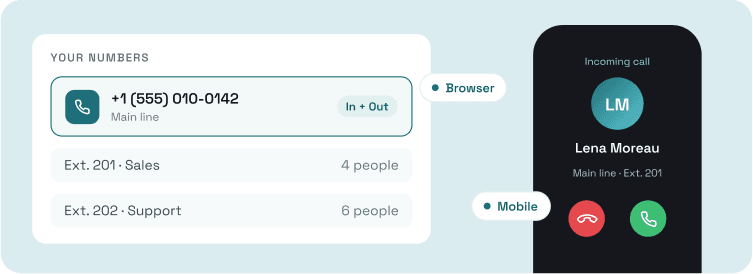
Everything your team needs to make and take business calls, from any device.
 Business numbersBrowser and mobile appsInbound and outbound callingExtensions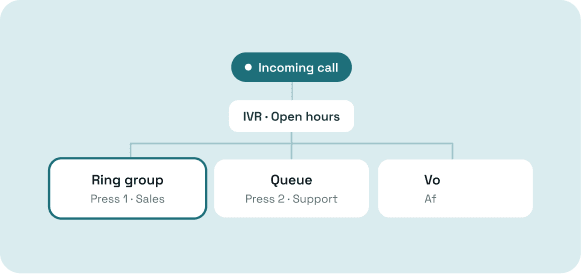
Rules that get every caller to the right person.
Explore the screens your team uses to handle calls, manage conversations, and keep customer interactions organized.
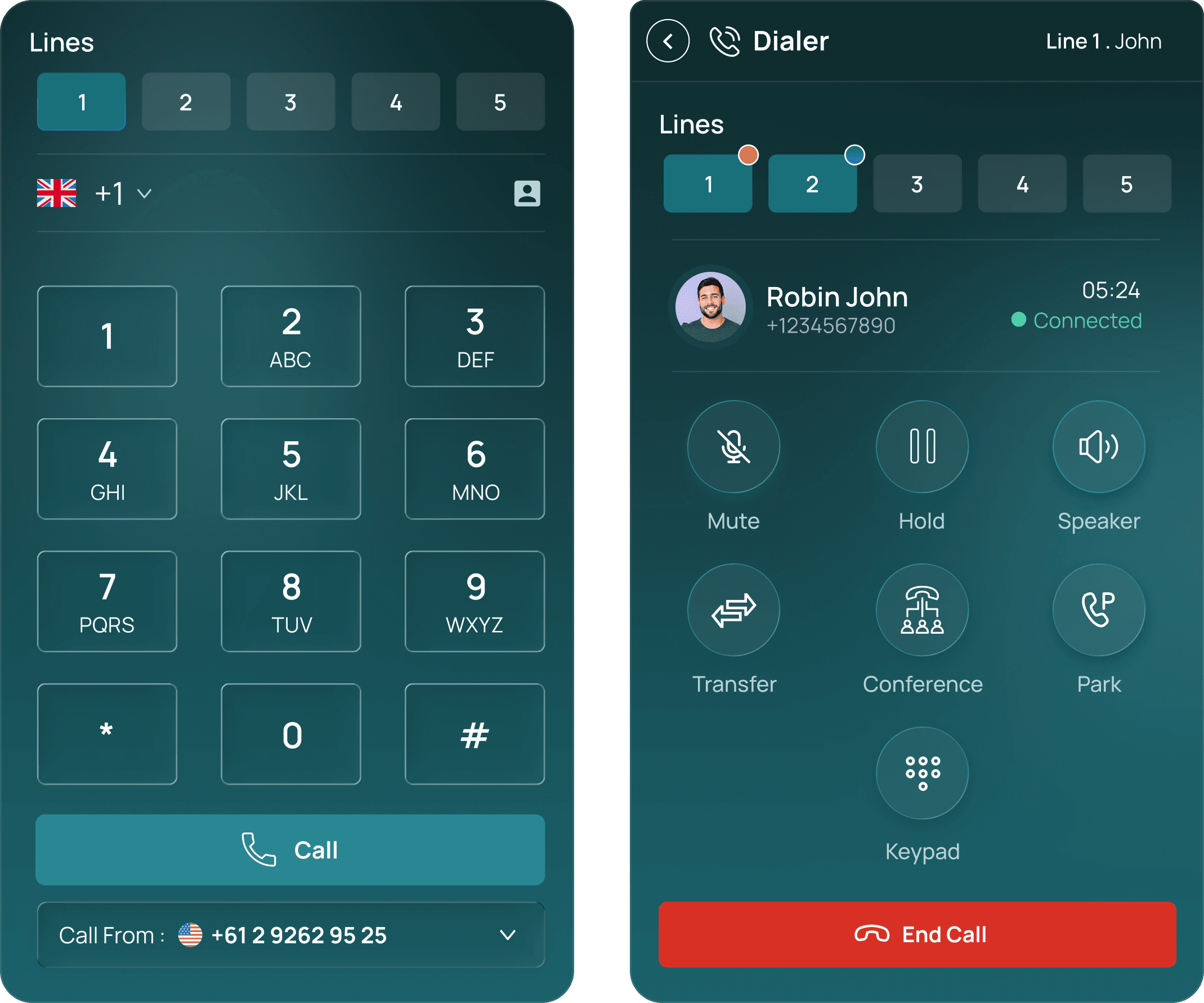
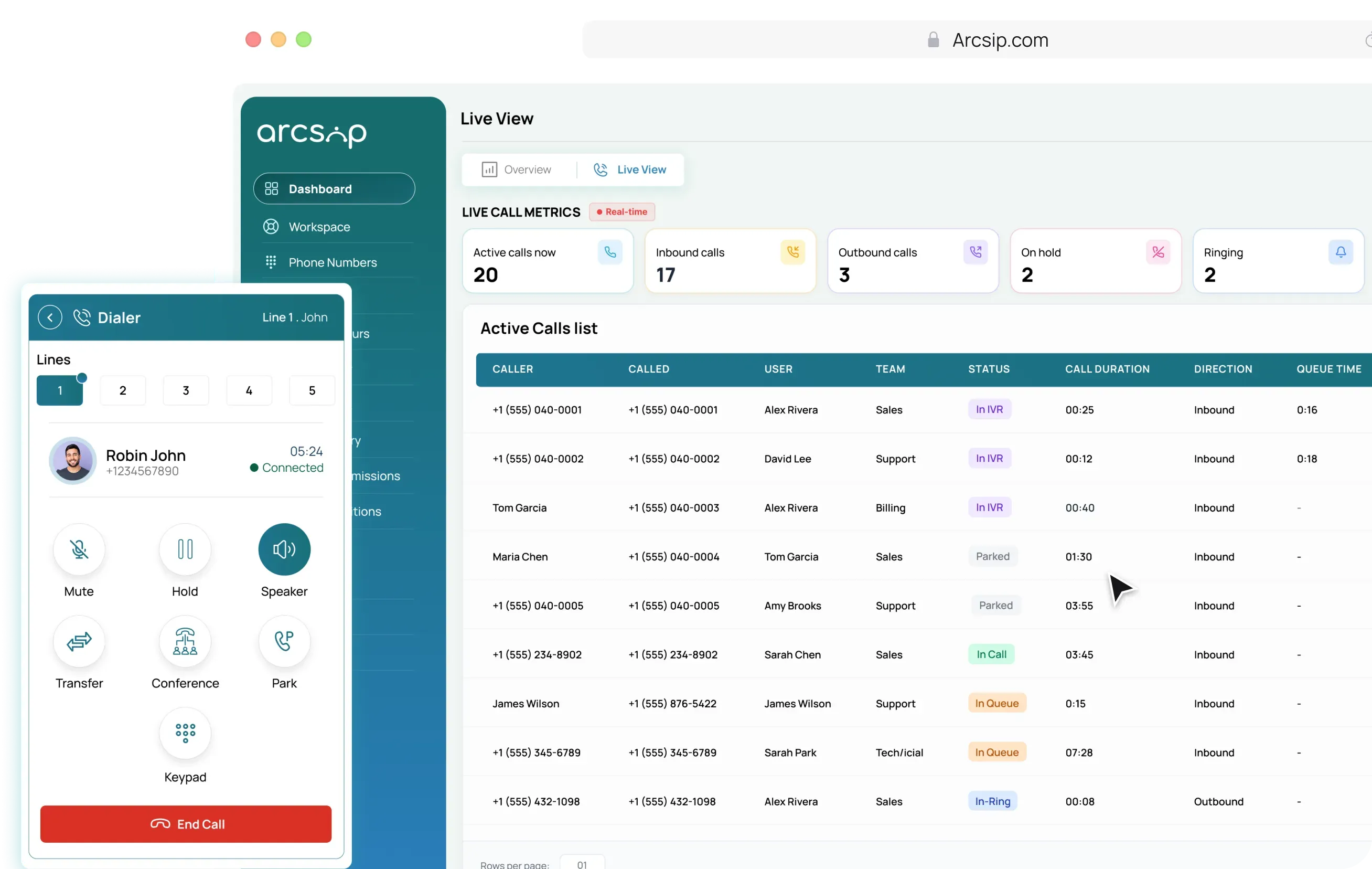
A built-in dialer that lets agents manage multiple live calls and collaborate without switching tools. A built-in dialer that lets agents manage multiple live calls and collaborate.
Multi-line Dialer Features

Manage multiple active calls at once without dropping.

Pass calls between agents with full context before.

Add teammates or stakeholders into an ongoing call.
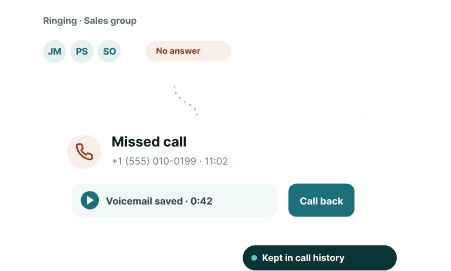
See how Business Phone System helps teams manage everyday customer conversations, from missed calls to busy queues and remote collaboration.
Calls are handled automatically when your team is unavailable.
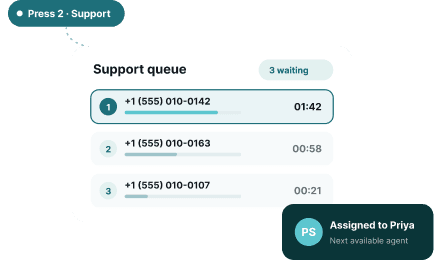
Route callers quickly to the right agent with smart call handling.
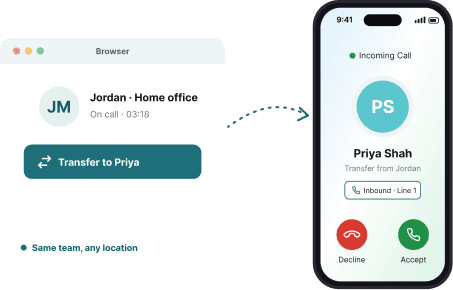
Transfer calls and collaborate smoothly from any location.
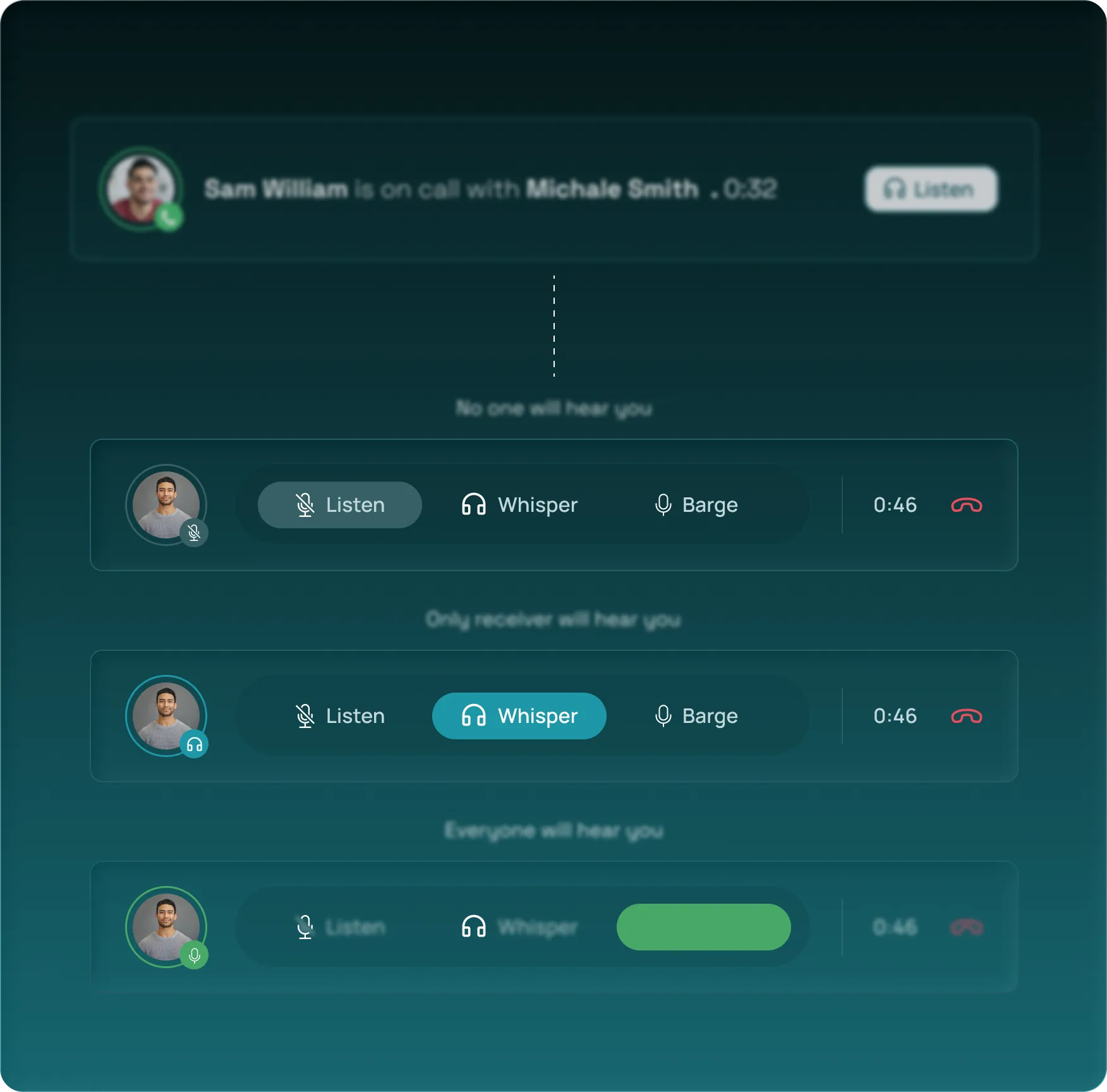
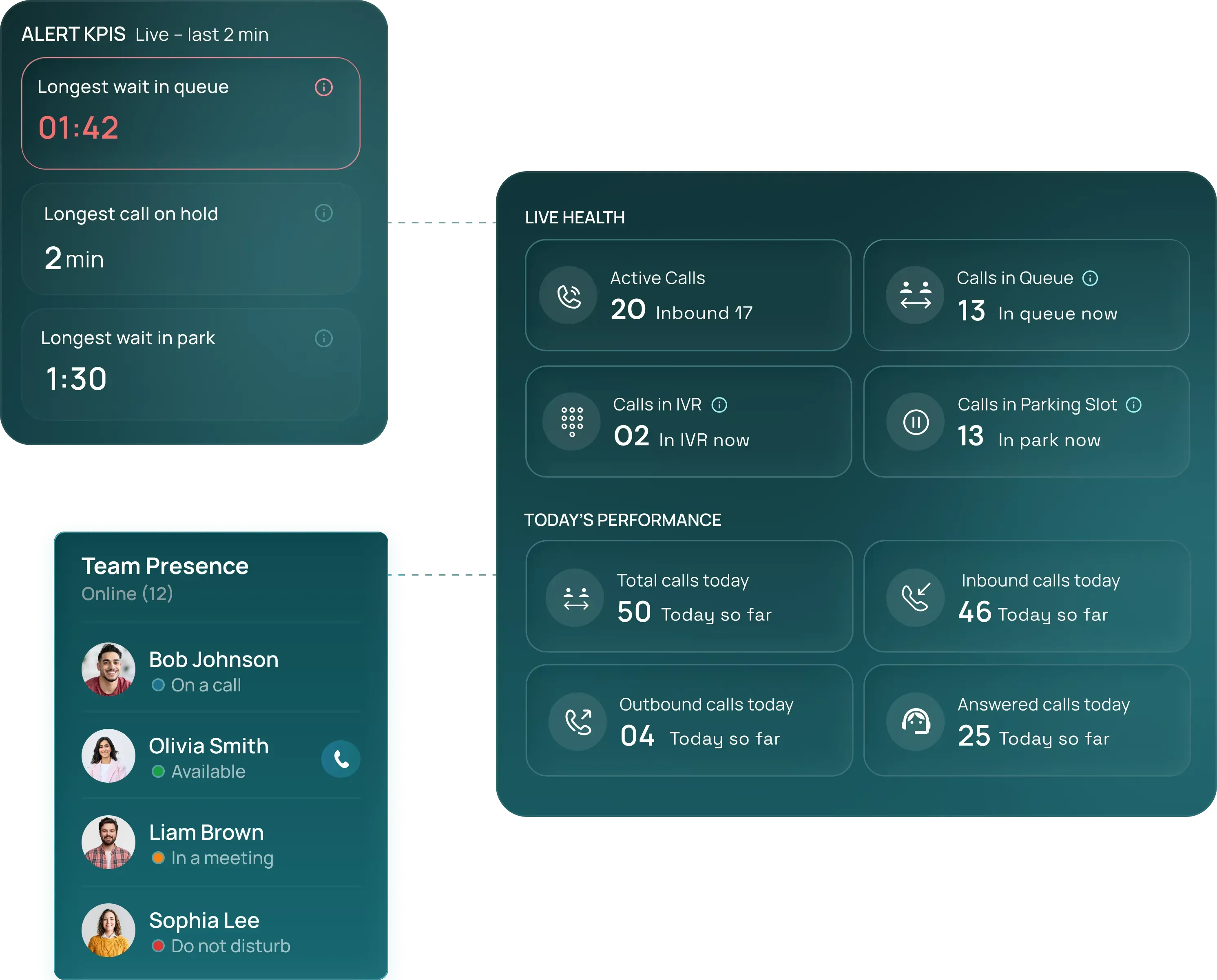
Manage who is on the team, what they can change, and what happened on every call.
Add users, give each one an extension, and group them into teams so calls reach the right people.
Learn MoreSet up your business calling, connect your team, and start managing conversations from one simple platform.
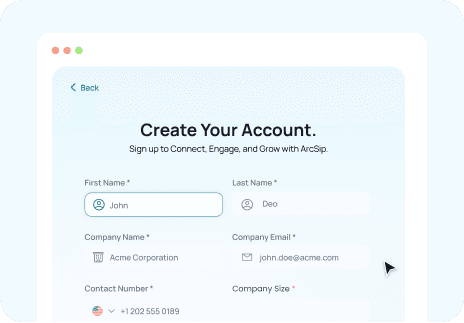
Sign up with your business email and start your 7-day free trial instantly.
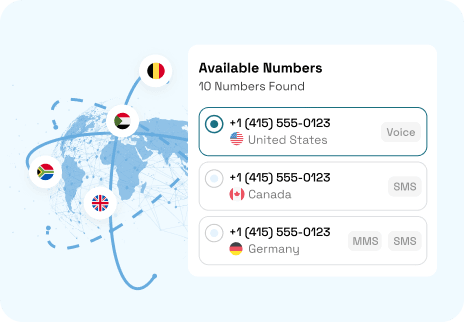
Purchase numbers, build call flows, and configure business hours.
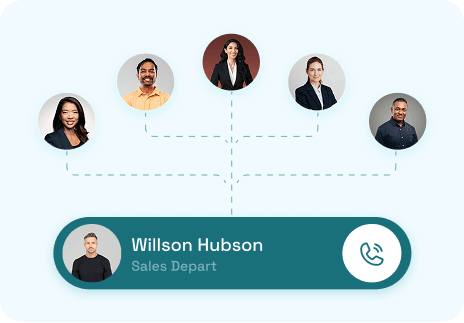
Invite team members, assign roles, and start handling calls from the ArcSIP Workspace.
Sign up with your business email and start your 7-day free trial instantly.
Purchase numbers, build call flows, and configure business hours.
Invite team members, assign roles, and start handling calls from the ArcSIP Workspace.

Review what your ArcSIP subscription includes, how calling usage is charged, and which features are available before choosing a plan.
Billed monthly. Every feature included, no locked tiers.
WHAT’S INCLUDED Business numbers and extensionsIVR, ring groups and queuesRecording, notes and call historyBrowser and mobile calling
Review the billing term, user requirements, and subscription charges before choosing the plan for your team.

Every call recorded, with an automatic notice played to the caller. Searchable, exportable, and stored to the same standards as the rest of your records.

An IVR menu separates appointments from urgent queries at the first second of the call. Clinical staff are not interrupted with bookings. Receptionists are not asked clinical questions.
Everything you need to know before getting started with ArcSIP.
Yes. ArcSIP offers a 7-day free trial so you can explore the platform before subscribing.
Is there a minimum number of users required?
Are all core features included in one plan?
Is there a long-term contract required?
Is unlimited domestic calling included?
Can I get local or toll-free numbers from ArcSIP?
Start in minutes from your browser, invite your team, and handle inbound, outbound, routing, and records from one workspace built for how your business actually calls.


Transfers start the customer over from scratch with the next agent.
Records live in scattered places that take time to pull together later.
Live View shows active calls, queues, and waits as they happen.
Live Notes carry context to whoever picks up a transfer or parked call.
Call History keeps every call, recording, and note searchable in one place.
IVR menusRing groupsCall queuesBusiness hours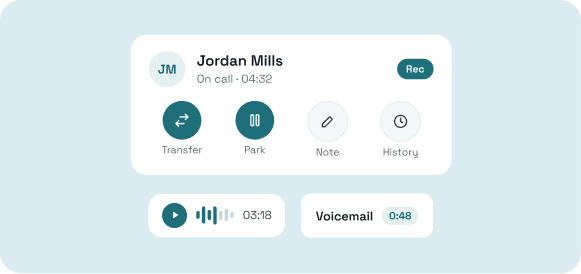
Tools for the call itself, and for picking up the conversation later.
TransfersCall parkingVoicemailRecording and history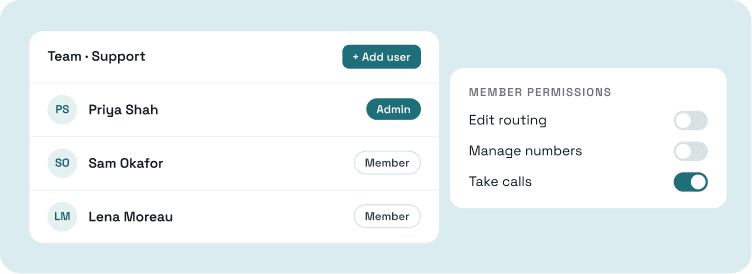
Controls for setting up your team and deciding who can change what.
Users and teamsAdmin controlsRoles and permissionsCheck included calling usage, number allowances, and additional charges so you understand how costs are calculated.
Confirm access to AI, recording, reporting, and other capabilities against the work your employees need to handle.
