ArcSIP Is Here — The All-In-One Business Communications Platform for Modern Teams. See What's New
Run business calls, customer support, and team messaging with ArcSIP. Give employees the conversation history, AI-powered assistance, the tools to handle each call, and a shared place to coordinate what happens next.
our trusted partners






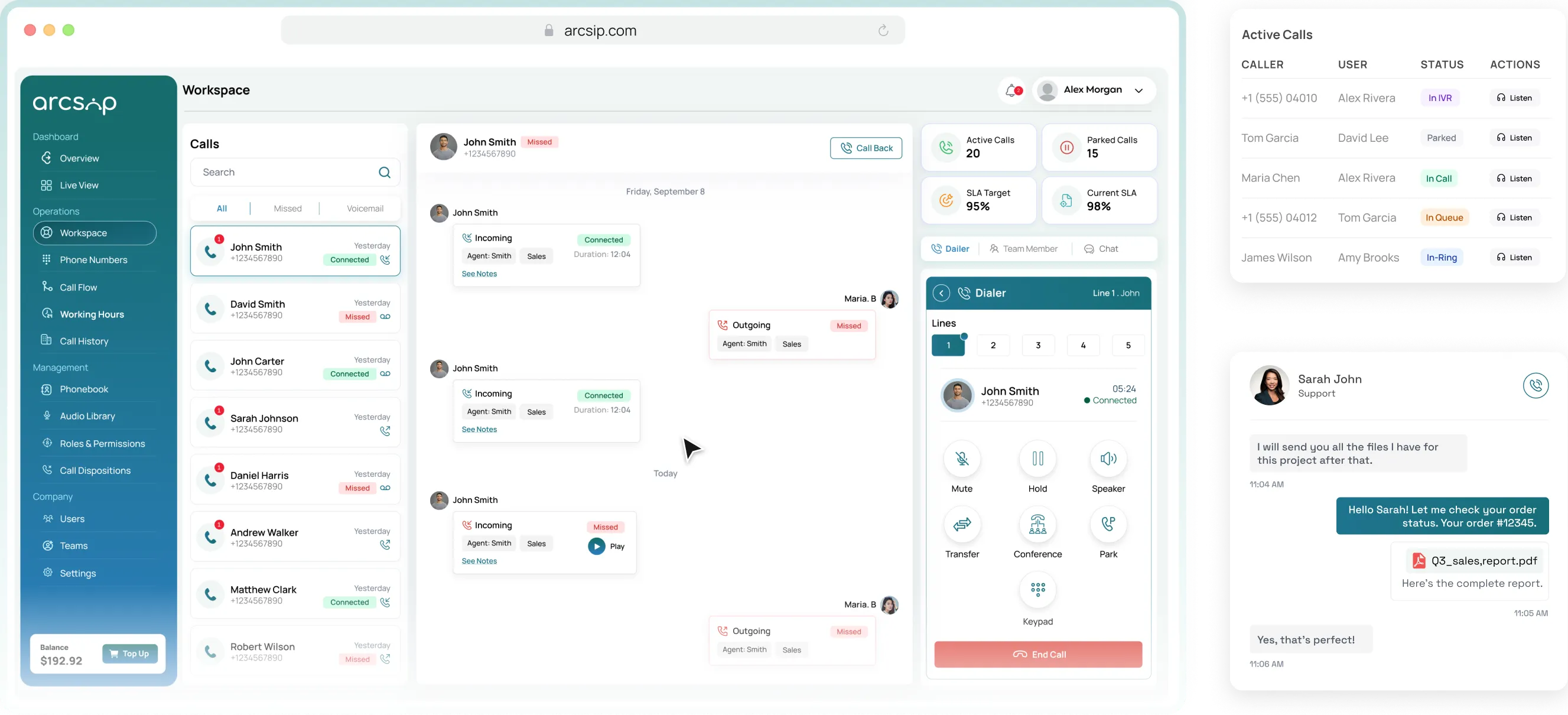
ArcSIP brings your business phone system, call center, and remote employees into one AI-powered unified communications platform. Sales and support teams work from the same conversation history, even when they work in different locations.
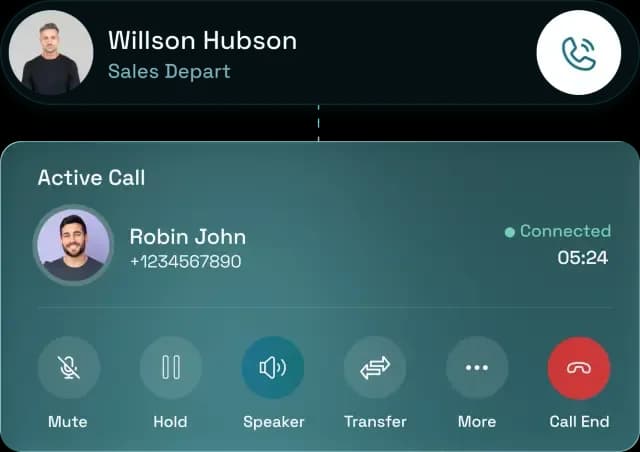
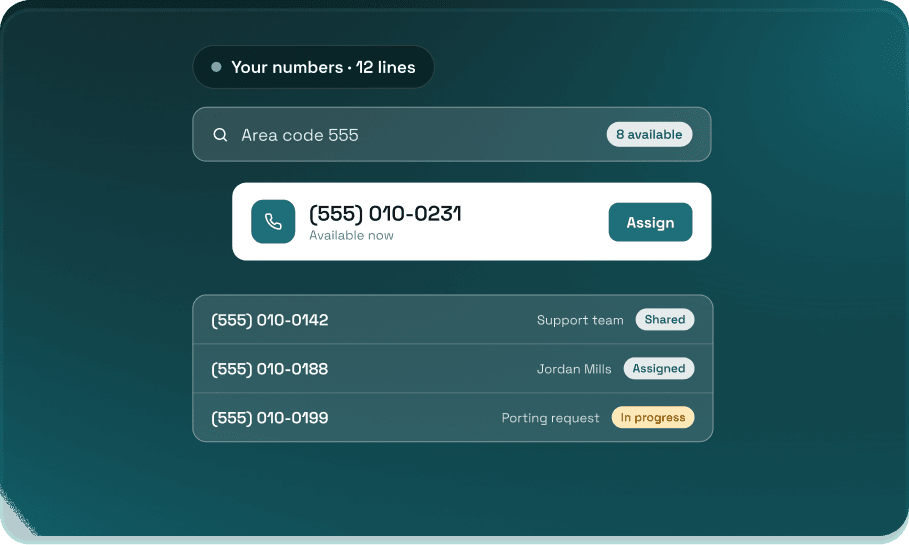
Manage business numbers, make and receive calls, and direct customers to the right employee or department. Set phone menus, voicemail, and routing rules around your working hours.
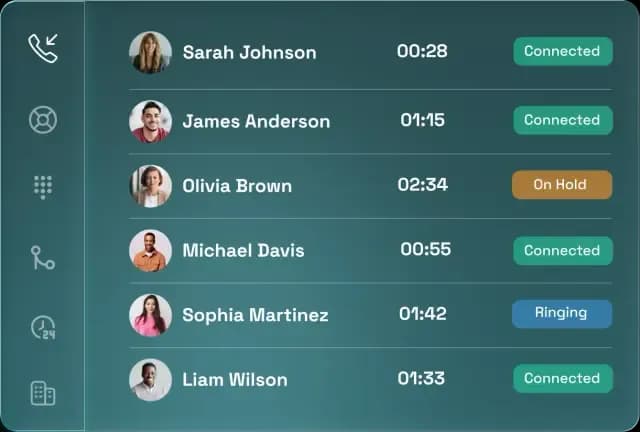
Handle inbound and outbound calls with queues, agent workspaces, and live monitoring. Give supervisors a view of waiting times, employee availability, and service-level performance.

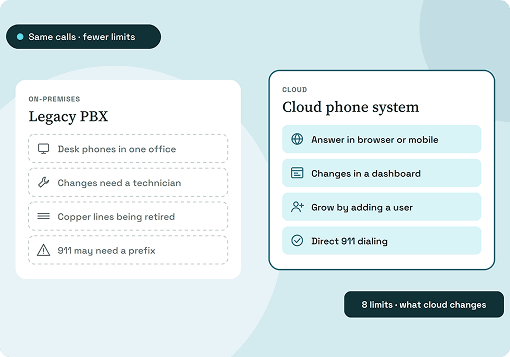
Make and receive business calls through supported browsers and mobile apps. Use shared contacts and team messaging to coordinate with colleagues throughout the day.
Finding a contact, checking a previous conversation, or changing who receives calls should be routine. ArcSIP puts these tasks in the same workspace.
Without ArcSIP
Incoming calls depend on one employee answering.
Staff search separate records before calling back.
After-hours callers have no clear next step.
Employees maintain individual contact lists.
Supervisors ask around to find out who is available.
Create your ArcSIP account, configure your business phone numbers and call routing, and invite the employees who will use them.
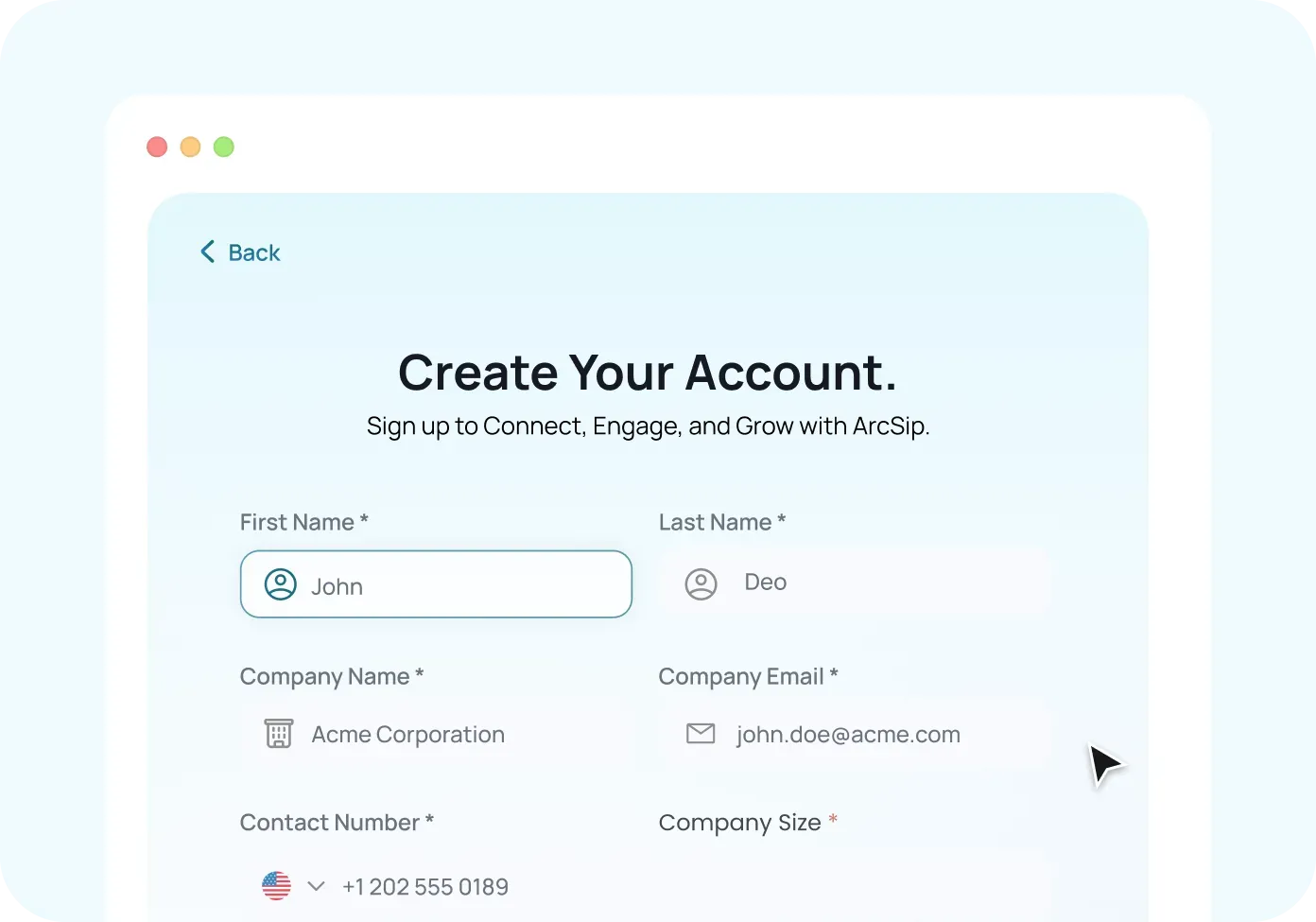
Start your seven-day trial and complete the account verification required to activate calling services.
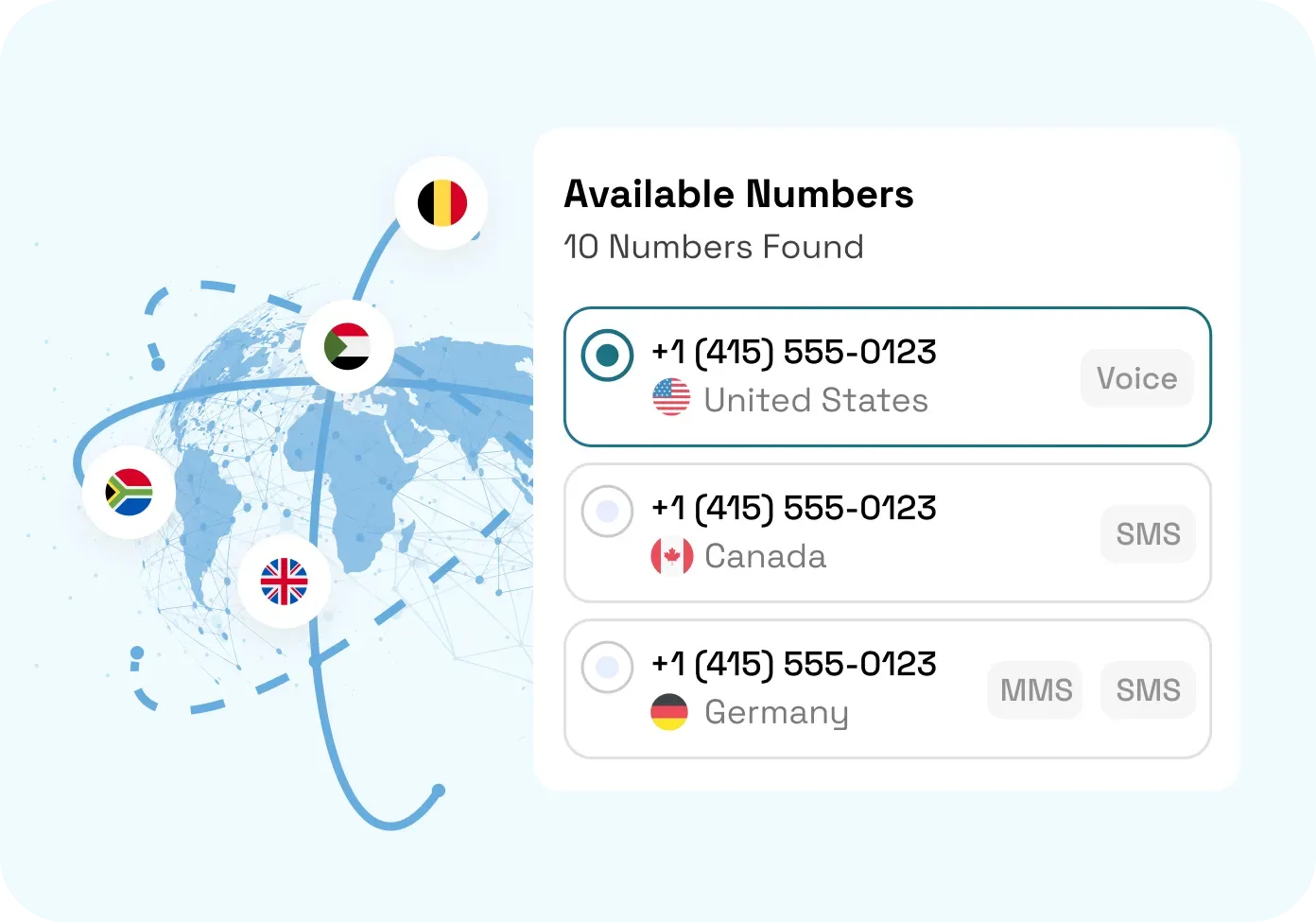
Choose an available number or request to port an eligible existing number. Add greetings, business hours, and rules for unanswered calls.
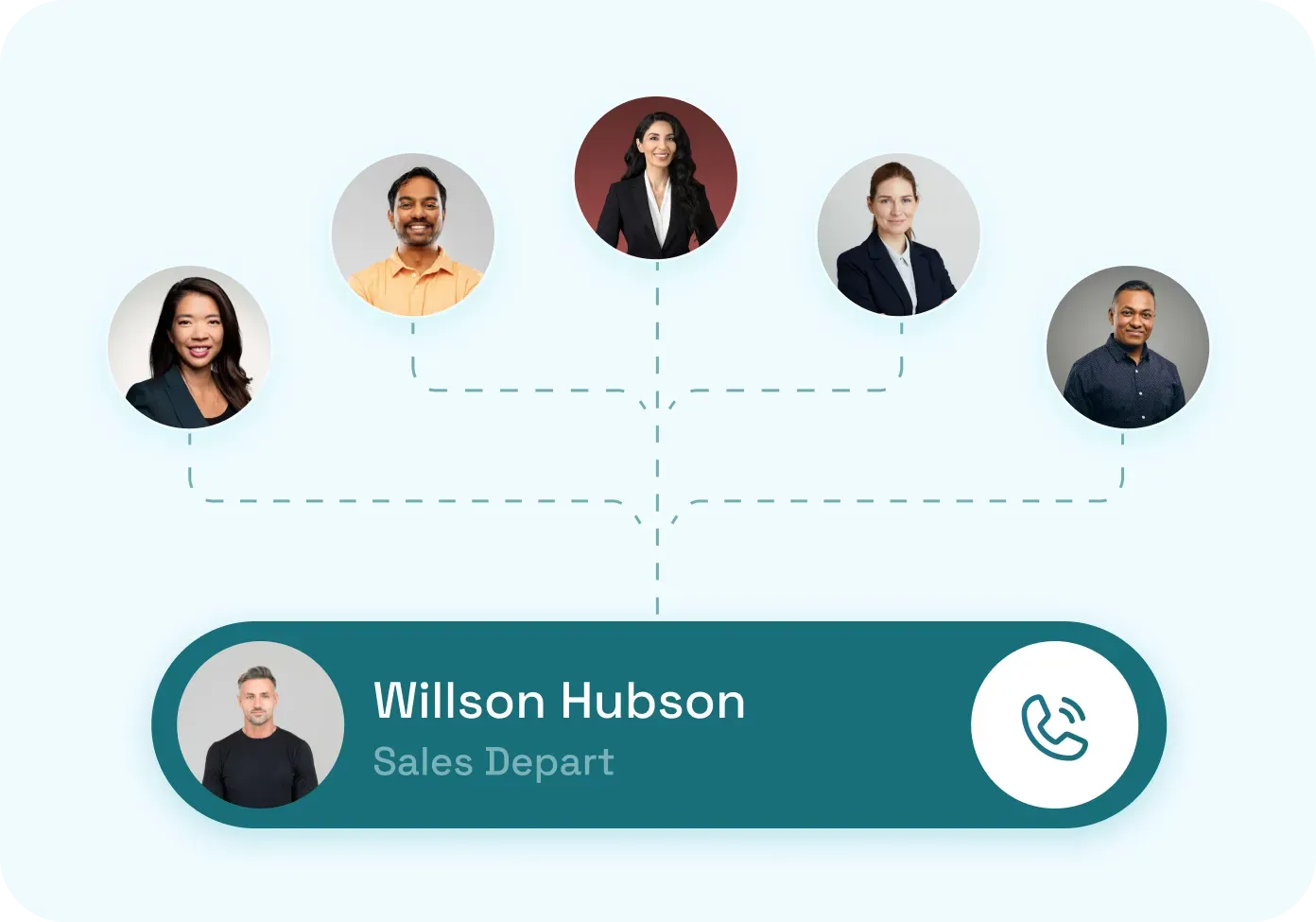
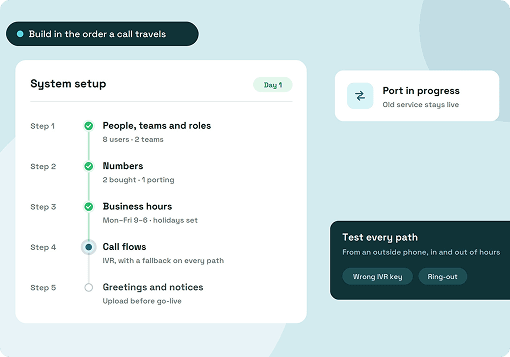
Invite employees, assign access, and test your setup. Check how calls reach each team, how transfers work, and where callers go when nobody answers.
A customer may need another department, a supervisor, or a callback. ArcSIP gives employees the controls and information to manage each step.
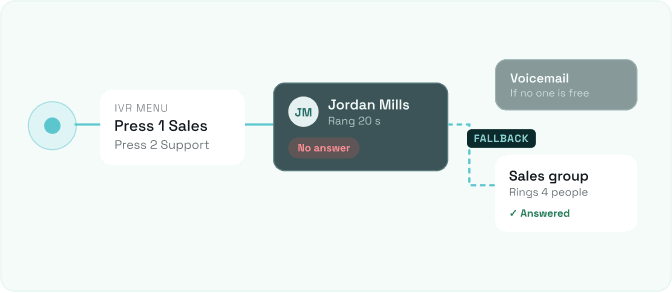
Use an interactive voice response (IVR) menu to direct callers to the appropriate employee or team. Configure forwarding and fallback destinations when the first person cannot answer.
Explore Routing Options
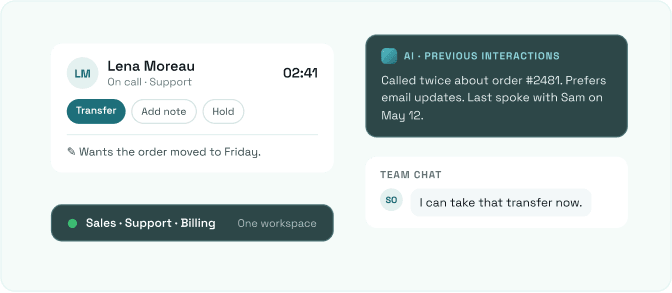
Handle customer communications, transfers, notes, and team messaging in one place. Use AI alongside previous interactions while speaking with a customer or preparing a follow-up.
Explore the Team Workspace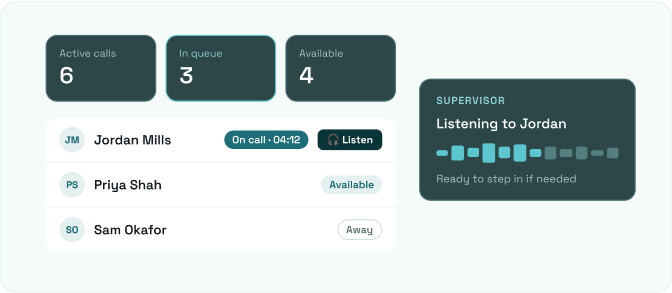
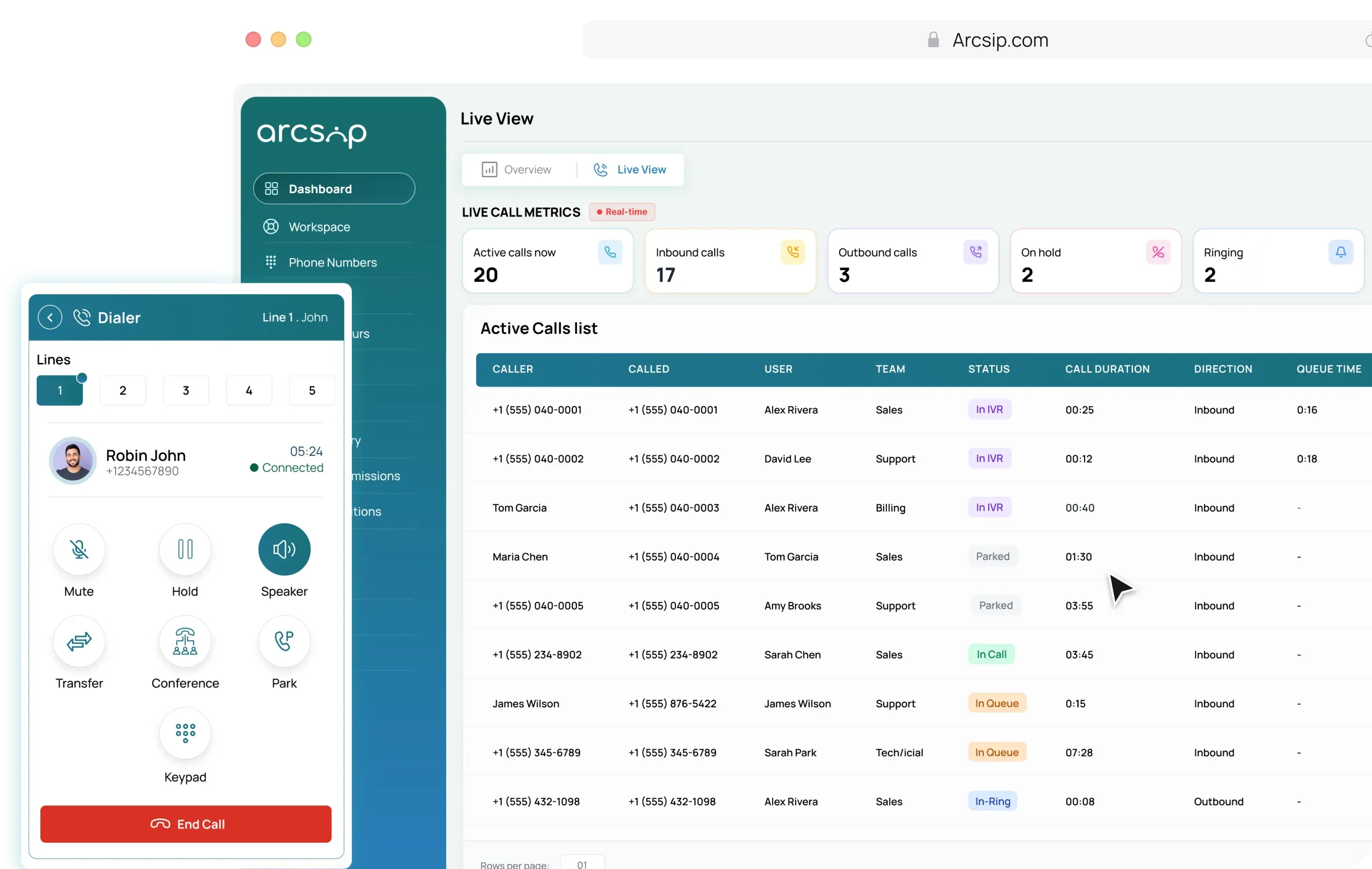
See active calls, queue activity, and employee availability. Supervisors can listen to conversations when an agent needs support or a call requires review.
Explore Monitoring Tools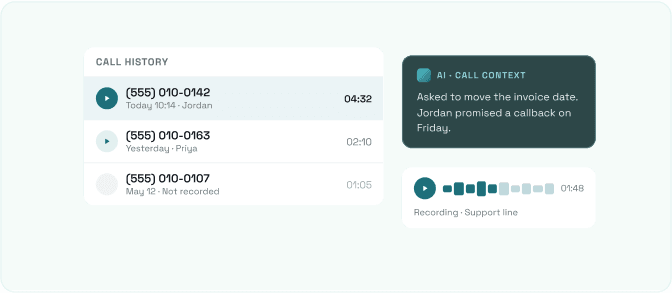
Watch how employees answer calls, transfer customers, and find previous conversation details. Choose a product view to see the tools your team will use.

When an employee joins, changes roles, or moves teams, your setup needs to reflect it. Manage numbers, permissions, contacts, and call outcomes from your ArcSIP account.

Route appointment requests and general inquiries to the appropriate staff. Use scheduled routing and voicemail to give patients a next step when the department is unavailable.
Explore Healthcare Solutions
Connect buyers, sellers, landlords, and tenants with the person handling their inquiry. Keep notes available for the next viewing, callback, or property discussion.
Explore Real Estate Solutions
Give students and parents a direct route to admissions, administration, and student services. Use dedicated numbers and phone menus to separate different types of inquiries.
Explore Education Solutions
Track waiting calls, agent activity, and response targets. Give supervisors the information to investigate delays and support employees during busy periods.
Explore Contact Center Solutions
Direct inquiries to the relevant team. Make conversation records available to authorized employees so they can check previous discussions before contacting a client.
Explore Financial Solutions
Send delivery questions to the people handling them. Let dispatchers and support staff exchange details through internal messages while managing customer calls.
Explore Logistical Solutions
Handle product questions, order inquiries, and return requests through shared business lines. Keep previous interaction details available when a customer calls again.
Explore Ecommerce Solutions
Separate new inquiries from existing client calls through configured routing. Give authorized staff access to notes and conversation history for follow-up.
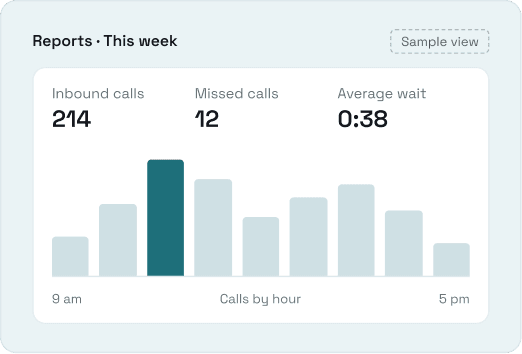
Explore Legal SolutionsReview how demand changes, where callers wait, and which conversations need follow-up. ArcSIP combines call analytics with AI-assisted reviews so managers can examine both activity and individual interactions.
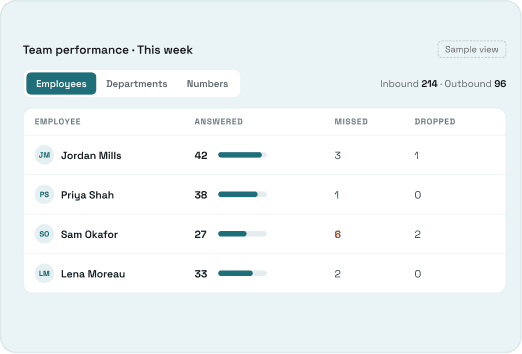
Review inbound and outbound activity, including answered, missed, and dropped calls. Compare employees, departments, and numbers to identify patterns worth investigating.
Monitor queue activity, average waits, and performance against response targets. Check where delays occur and whether your call distribution needs adjusting.
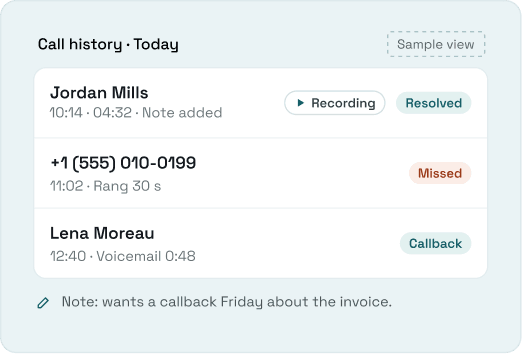
Use AI-powered summaries to revisit key discussion points and sentiment insights to identify conversations for closer review. Play the available recording when you need the full context.

Review what your ArcSIP subscription includes, how calling usage is charged, and which features are available before choosing a plan.
Billed monthly. Every feature included, no locked tiers.
WHAT’S INCLUDED Business numbers and extensionsRecording, notes and call historyIVR, ring groups and queuesBrowser and mobile calling
Create an account and try ArcSIP features for seven days before your first bill.
We confirm your account and business details before numbers go live.
Pick your numbers, add your team, and set up routing.
Read ArcSIP guides on choosing a phone system, configuring call flows, and managing customer communications. Find instructions and explanations for the decisions your team faces during setup and daily use.
Everything you need to know before getting started with ArcSIP.
A unified communications platform brings calling, messaging, and related tools into a shared environment. ArcSIP combines these with contacts and conversation history so employees can manage business communications across departments and locations.
Choose based on the work your team handles. The business phone system supports everyday calling, transfers, voicemail, and routing. Call center tools add queues, agent supervision, and service-level reporting. Remote team capabilities let employees access calls and coordinate with colleagues across locations.
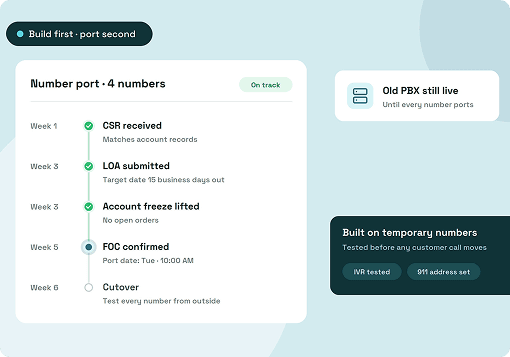
You can request to port an eligible number to ArcSIP. Check portability before submitting the transfer and track the request through the platform. You can also choose a new number, subject to availability.
Yes. Employees can make and receive calls through supported browsers and mobile applications. Shared contacts, conversation history, and team messaging let colleagues work from the same information across locations.
Set your business hours and choose where calls go outside that schedule. You can direct callers to voicemail or another configured destination. Separate fallback rules determine what happens when employees do not answer during working hours.
ArcSIP supports role-based access for owners, administrators, supervisors, and agents. Permissions determine access to relevant tools and records. Call recording settings determine which conversations are captured.
Create an account, complete the required verification, and configure your workspace. Invite employees, set up an available number, and test your call flows. Transferring an existing number follows a separate porting process.
ArcSIP offers a seven-day trial to explore the platform and test your workflows. Check the trial’s included features, calling allowances, and activation requirements before you begin.
Test a unified communications platform with the calls and workflows your team handles every day. Set up ArcSIP, invite colleagues, and see how it fits your business.

Routine phone system changes involve several tools.
With ArcSIP
Route callers to a team or a configured fallback.
Review call history, notes, and available recordings together.
Send them to voicemail or another destination based on your schedule.
Keep business contacts in a shared company phonebook.
Check employee status and active calls from one view.
Manage users, numbers, and call flows within ArcSIP.
Find previous calls and play available recordings when you need to check what was discussed. AI helps turn conversation history into useful context for your team. Recording settings determine which conversations are captured.